Wuthering Waves Version 3.8 Update Maintenance Notice
Dear Rovers,
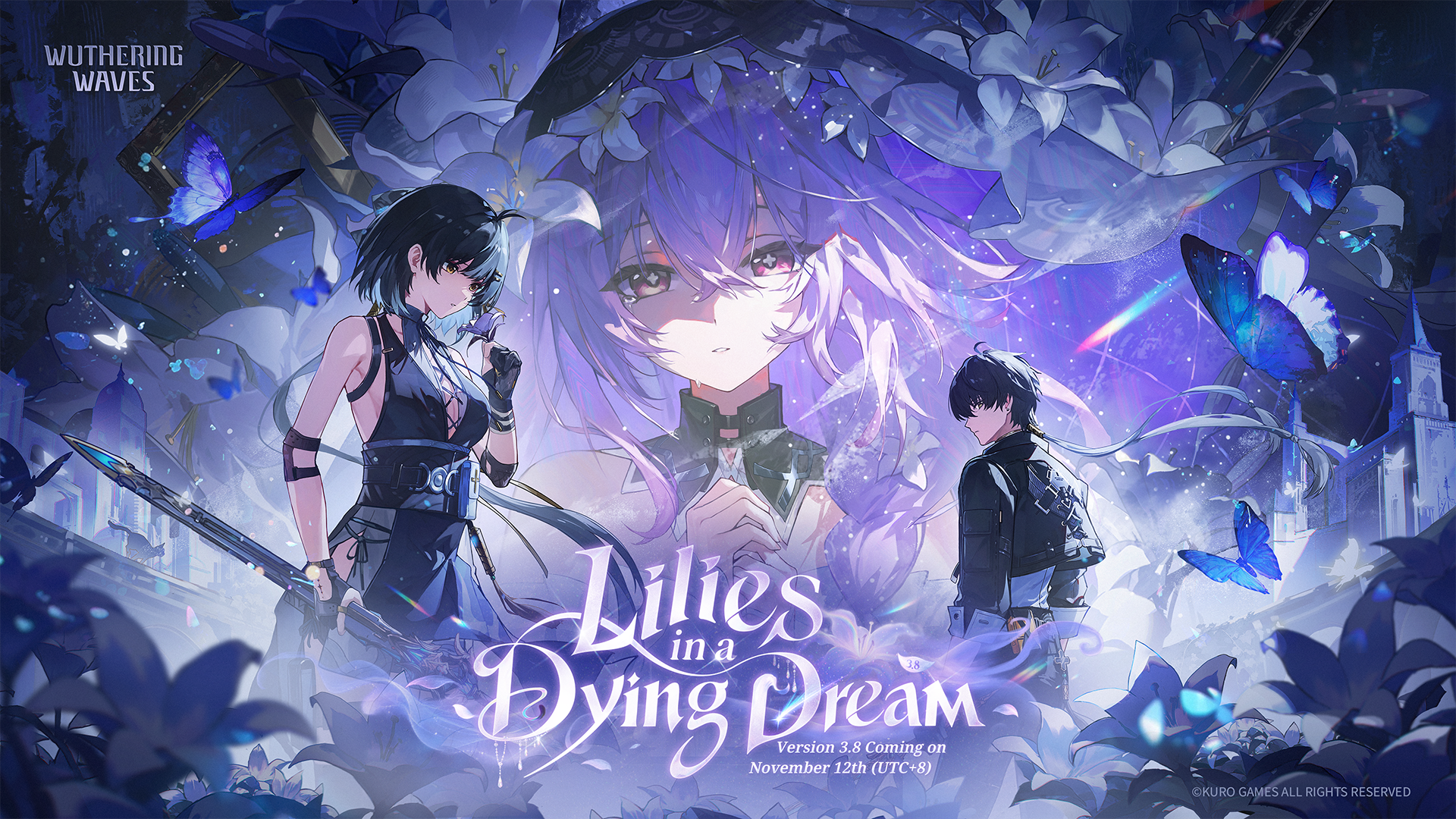
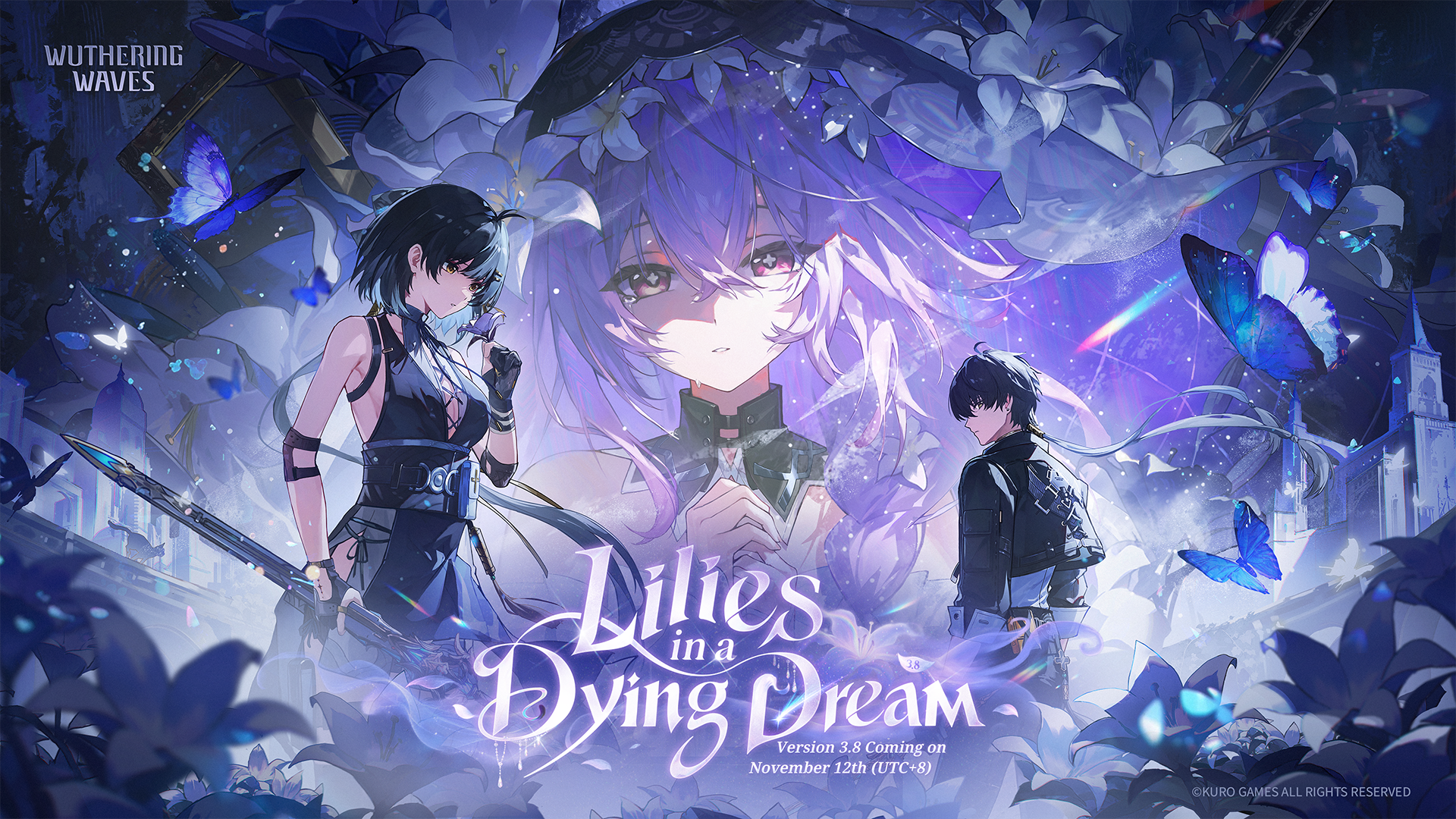
To bring you exciting new content and a better gaming experience, we will soon be conducting the update maintenance for Version 3.8: Lilies in a Dying Dream.
During the maintenance, you will be unable to log in to the game, so please plan your time accordingly. Additionally, due to the large size of the update, we recommend updating the game while connected to a Wi-Fi network. We apologize for any inconvenience this may cause.
[Maintenance Time & Compensation Details]
✦Maintenance Time: 2026-11-12 04:00 - 2026-11-12 11:00 (UTC+8)
✦Maintenance Compensation: Astrite x300, Crystal Solvent x2
✦Compensation Eligibility: Create a character and unlock the Mail feature before 2026-11-12 04:00 (UTC+8). The compensation will remain claimable until the next version update.
※In the event that the maintenance is extended, the dev team will issue a follow-up notice and adjust the compensation accordingly.
[How to Update]
Once the maintenance for the version update begins, you can follow the following instructions to update your client.
✦PC: Close the game, restart the launcher, and then click on "Update."
✦Android: Launch the game and follow the instructions in the update pop-up window to complete the update.
✦iOS: Download/update the game in the App Store.
✦Mac: Download/update the game in the App Store.
✦PS5™: Open the home screen > Select Wuthering Waves > Press the OPTIONS button to Check for Update.
✦XBOX Series X|S: Open the home screen > Select My games & apps > Go to Manage Updates to Find Wuthering Waves > Update the game.
✦XBOX PC: Open the XBOX app > Select My Library > Select Wuthering Waves and open the Manage screen > Go to the Files tab and select Check for Update.
[Pre-download]
✦Pre-download Start Time: 2026-11-10 10:00 (UTC+8)
✦Required Pre-download Storage Space
PC: 15 GB (Actual package size: 13 GB)
Android/iOS: 13 GB (Actual package size: 9 GB)
※Pre-download may not be possible if your device does not have enough spare storage space. To ensure there is sufficient storage space for resource integration during the update maintenance, a certain amount of space must be reserved. If the reserved space is insufficient, the update maintenance will not be completed.
※After the update maintenance is complete, the extra space used for the resources merging process will be automatically freed up.
✦How to Pre-download
PC: When pre-download for the latest version becomes available, "New Version Pre-download" appears below the "Start" button on the launcher interface. Select this option to pre-download the resources.
Android/iOS: When pre-download for the latest version becomes available, press the "Pre-download" button, either on the title screen after a successful login or on the in-game Terminal page, and confirm to pre-download the resources.
※You can continue playing the game while the pre-downloading process is ongoing. The process can be paused at any time. Whether it is complete or not, the update maintenance will speed up to a certain degree when initiated.
※Please ensure that you have a stable network connection during the pre-downloading process.
[About Limited Test for Categorized Resource Downloads and Resource Cleanup on PC]
✦Feature Overview
Categorized Resource Downloads: When downloading game resources through the PC launcher, in addition to the Tiered Client Resource Downloads options—UHD, HD, and SD—you can choose between two package sizes: Full and Basic. Select Full to download the majority of the available game resources in one go, with the remaining resources to be downloaded after you enter the game, or select Basic to download only the resources required to launch the game.
※If you select and download the Basic option, any additional required resources will be downloaded automatically based on your account's current progress after you enter the game.
Resource Cleanup: When your account contains cutscenes and environment assets that you have watched or experienced, you can go to Settings > Other > Resource Cleanup to check the size of the cleanable files and select to remove them to free up disk space.
✦Test Participants and Schedule
PC (※Official Launcher): We will soon (during Version 3.7) make a PC launcher update available to some of the Rovers who have been granted test access, and gradually roll out the limited test for the aforementioned features.
※The feature will also be gradually made available on PC platforms with non-official launchers after the test concludes. Please stay tuned for announcements on these platforms.
✦Notes
- After the Version 3.8 Pre-download becomes available, Rovers who join the limited test during Version 3.7 will be able to try out the "Categorized Resource Downloads" feature on PC upon updating the launcher. You can select either the Full or Basic resource package on the pre-download screen.
- For Rovers not participating in the limited test, your experience in the current version will not be affected, and the Full resource package will be downloaded by default during the Version 3.8 Pre-download.
※Please note that Resource Cleanup is a feature accompanying Categorized Resource Downloads; you must participate in the limited test to use this feature in-game.
--------------------------------------------------------------------
[Version 3.8 Preview]
[New Resonator]
5-Star Resonator: Lily (Spectro/Pistols)
※Obtainable through the [Bloom of Yesterday's Dreamsoil] Featured Resonator Convene.
[New Weapon]
5-Star Weapon: Lullaby (Pistols)
※Obtainable through the [Lullaby] Featured Weapon Convene.
[New Area]
Train of Souls
※Reach the location during Main Quest Chapter IV Act V "A Bouquet for Tomorrow."
[New Story]
Main Quest Chapter IV Act V: A Bouquet for Tomorrow
[Gameplay Optimizations]
Added Blitz Mode.
Added an Overview tab to the Resonator Ascension Planner page.
Upgraded the functionality of Rover's Resonance Conversion.
Optimized the functionality of Guidebook.
[Other Optimizations]
Added support for Categorized Resource Downloads and Resource Cleanup on PC.
※Initially available as a limited test.
Added PSSR support for some Console devices.
Optimized the display of some Console devices by adding a Graphics Quality tab.
[New Challenge]
New "Tactical Hologram: Sparring" Challenge: Calamity Effigy
[Other New Content]
Sigil: Graduation Season
Avatar: Between Classes
Title: Beyond the Dreamfield
※Sigil: Graduation Season and Avatar: Between Classes can be obtained by participating in the Leisure Event "Second Coming of Solaris: Unwritten Dreams."
※Title: Beyond the Dreamfield can be obtained by participating in the Combat Event "Dreamfield Odyssey."
[New Merch]
Outfit: (Deluxe Outfit) Hiyuki - Lune Noire
Accessory: Hiyuki - Flaming Sakura
[Special Events]
[Second Coming of Solaris: Unwritten Dreams] Leisure Event
[Lahai-Roi Blocks: Turnabout] Leisure Event
[Lollo Campaign: Groundwork] Featured Commission Event
[Dreamfield Odyssey] Combat Event
[Gifts of Bygone Dreams] 7-Day Login Event
[Whither the Wind] Limited-Time Login Event
※For more details on the new content, optimizations, and bug fixes coming to the game in Version 3.8, please stay tuned for the upcoming release notes.
--------------------------------------------------------------------
[Device Requirements]
To ensure a smooth installation and gaming experience, please refer to the following requirements:
①Minimum
Android: [System] Android 7.0 or later; [Processor] Snapdragon 835, MediaTek G71/72 or processors of better/equivalent performance; [RAM] 4 GB or more
iOS: [System] iOS 14 or later; [Model] iPhone 11 or newer, iPad with A13 Bionic or processors of better/equivalent performance; [RAM] 4 GB or more
Mac: [System] macOS 12.0 or later; [Model] m1 or newer; [RAM] 16 GB or more
PC: [System] Windows 10 64-bit; [CPU] Intel I5 (9th Gen)/Ryzen 2700; [GPU] Geforce 1060/RX570/Intel ARC A380, [RAM] 16 GB or more
②Recommended
Android: [System] Android 7.0 or later; [Processor] Snapdragon 8 Gen1+/Gen2/Gen3 or MediaTek processors of better/equivalent performance; [RAM] 6 GB or more
iOS: [System] iOS 15 or later; [Model] iPhone 13 or newer, iPad with A15 Bionic or processors of better/equivalent performance; [RAM] 6 GB or more
Mac: [System] macOS 15.0 or later; [Model] m3 or newer; [RAM] 16 GB or more
PC: [System] Windows 10 64-bit; [CPU] Intel I7 (9th Gen)/Ryzen 3700, [GPU] Geforce 2060/RX5700XT/Intel ARC A750; [RAM] 16 GB or more
③Required Storage Space
Android/iOS: 60 GB
Mac: 155 GB
PC: 100 GB; it's recommended to install the game on an SSD.
PS5™: Please make sure your device has sufficient available storage to complete the update successfully.
XBOX Series X|S|PC: Please make sure your device has sufficient available storage to complete the update successfully.
④Controller Support
Wuthering Waves currently supports the following controllers on Mobile:
Wireless Controllers: Xbox series, Xbox Elite series, DualShock®4, DualSense®, DualSense Edge™
Wuthering Waves currently supports the following controllers on Mac:
Wired/Wireless Controllers: Xbox series, Xbox Elite series, DualShock®4, DualSense®, DualSense Edge™
Wuthering Waves currently supports the following controllers on PC:
Wired/Wireless Controllers: Xbox series, Xbox Elite series, DualSense®, DualSense Edge™
Wired Controllers: DualShock®4
※When you connect any other controller that supports multiple input modes to a PC, it is recommended that you set the controller to XInput mode for the best experience.